In this tutorial we discuss how to run and use llama.cpp on Runpod.
RunPod is a cloud platform that lets you rent powerful GPUs on demand for AI workloads such as running LLMs, image generation, video generation, and model training. It provides access to GPUs like NVIDIA RTX 5090, A100, and H100 without needing to own the hardware.
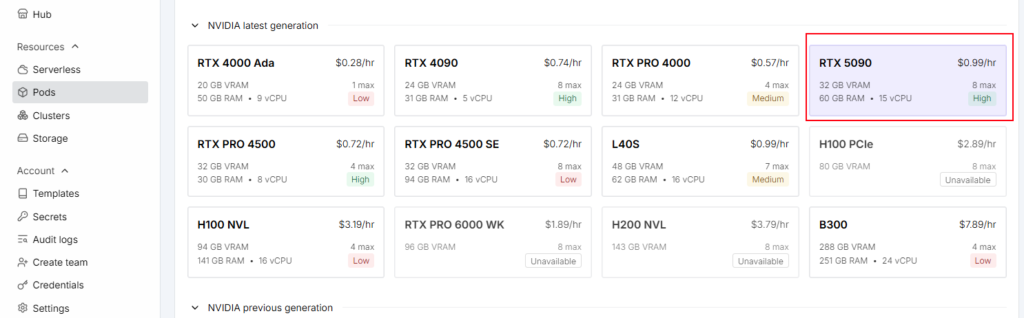
First create and account in rupod and recharge. Next we need to create a pod for that we need to select a GPU for this demo I’m going to use RTX 5090 GPU(32 GB VRAM). A Pod in RunPod is a rented cloud computer with a GPU. You choose a GPU, CPU, RAM, storage, and an image/template, then RunPod creates the Pod where you can run AI models, Docker containers, or other applications.
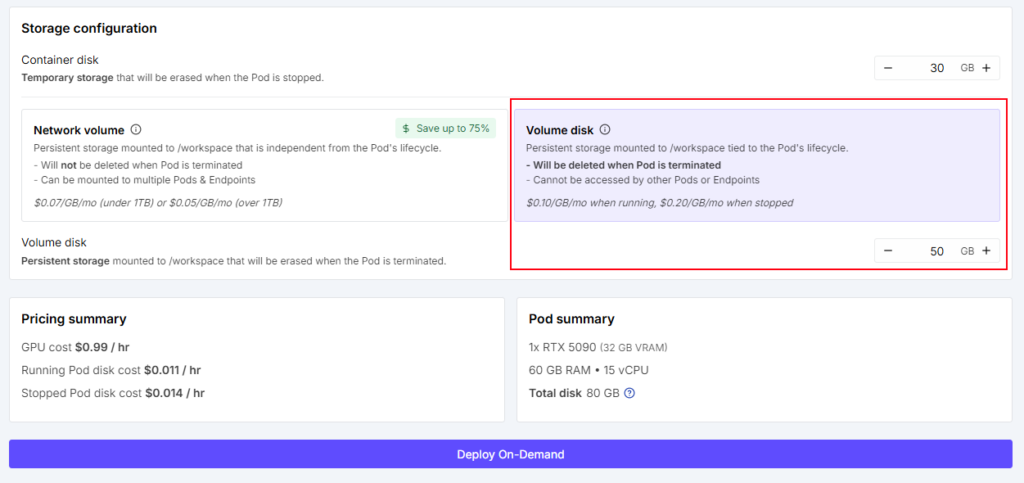
Next we will keep pod template as it is. Change the storage configuration to Volume disk. Refer the configuration screenshot below :
Next click the “Deploy-On-Demand” button and you will see a deploying screen as shown below.
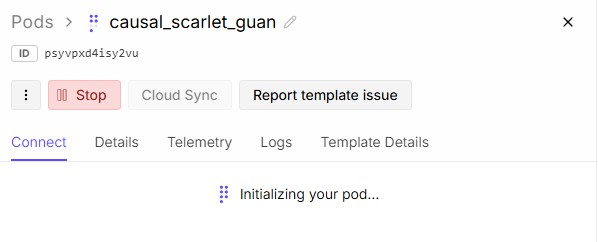
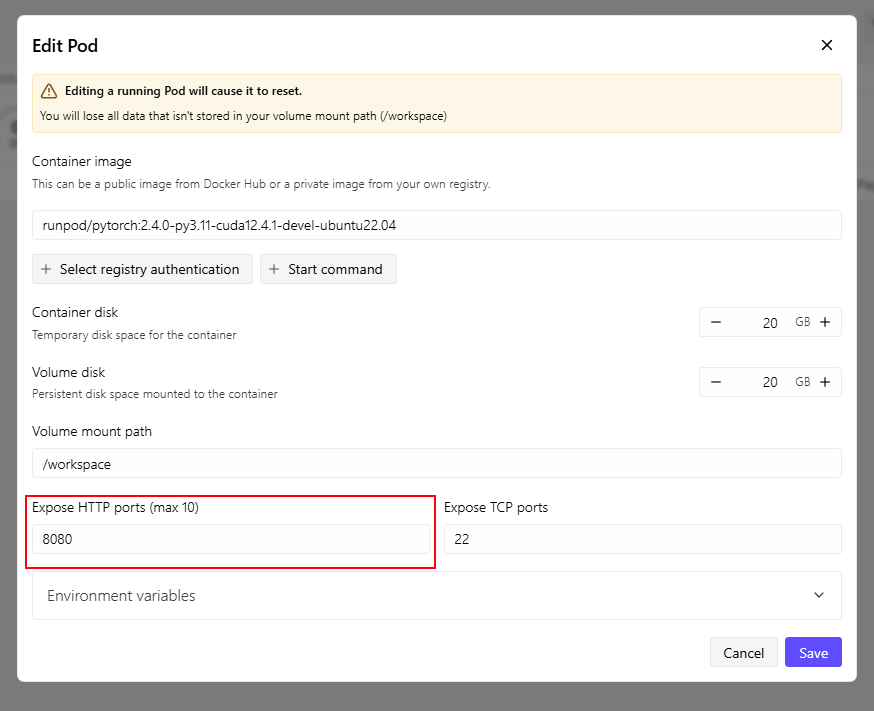
After the pod initalized, we need edit port number click the edit pod by clicking the pods hamberger menu on the right side. Change HTTP port to 8080 and save.
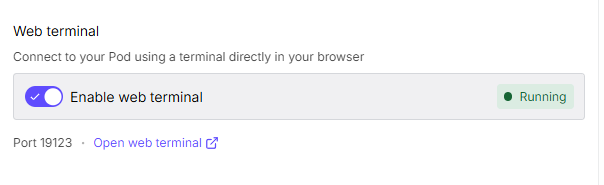
Enable web terminal and open web terminal in browser.
Install llama.cpp by running the below command :
curl -LsSf https://llama.app/install.sh | sh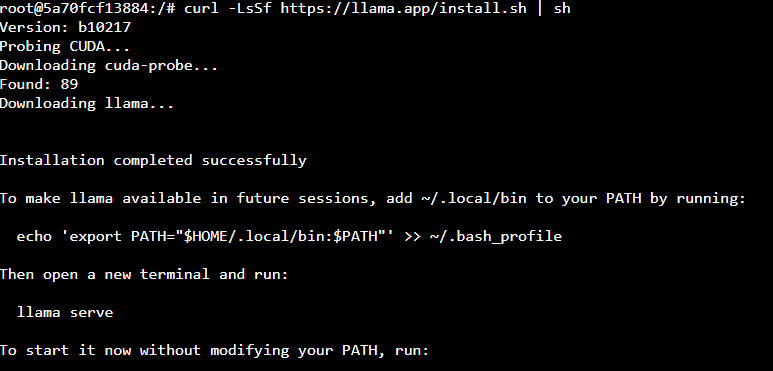
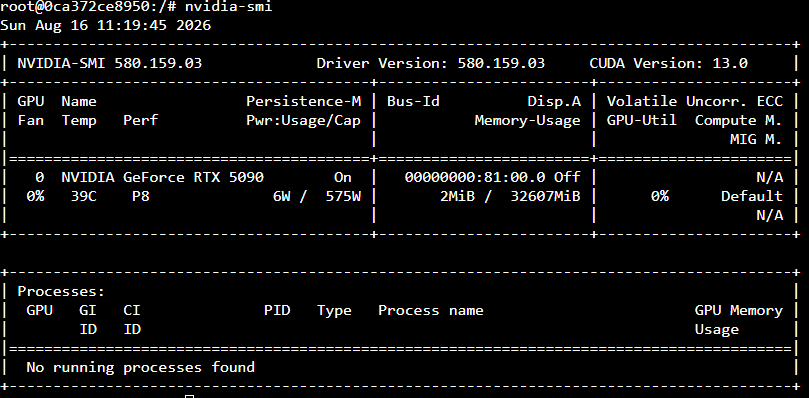
Now we have installed llama.cpp. Lets check the GPU by running nvidia-smi command.
Next we will Qwen 3.8 27B model run the below command to download it.
curl -L -C - -o Qwen3.8-27B-Q4_K_M.gguf https://huggingface.co/unsloth/Qwen3.8-27B-GGUF/resolve/main/Qwen3.8-27B-Q4_K_M.ggufRun the below command to start the llama
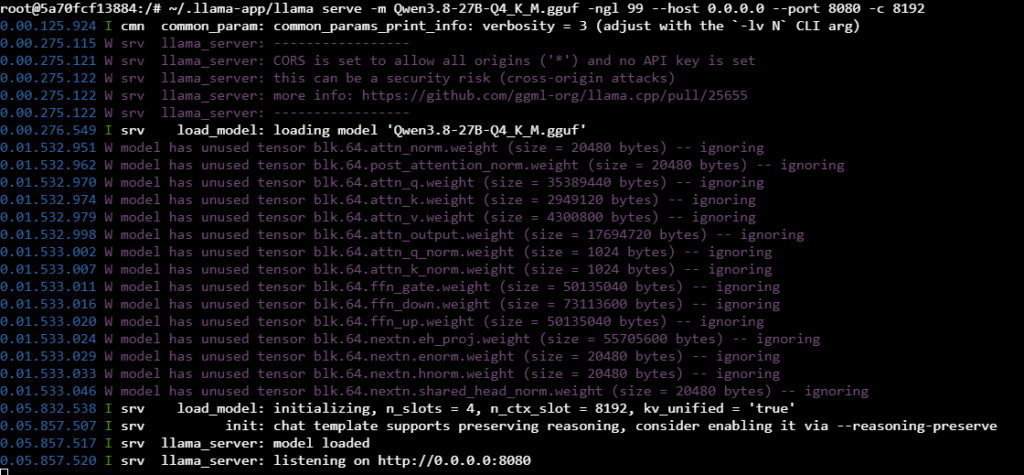
~/.llama-app/llama serve -m Qwen3.8-27B-Q4_K_M.gguf -ngl 99 --host 0.0.0.0 --port 8080 -c 8192Next we need to copy the pod ID by opening pod page :

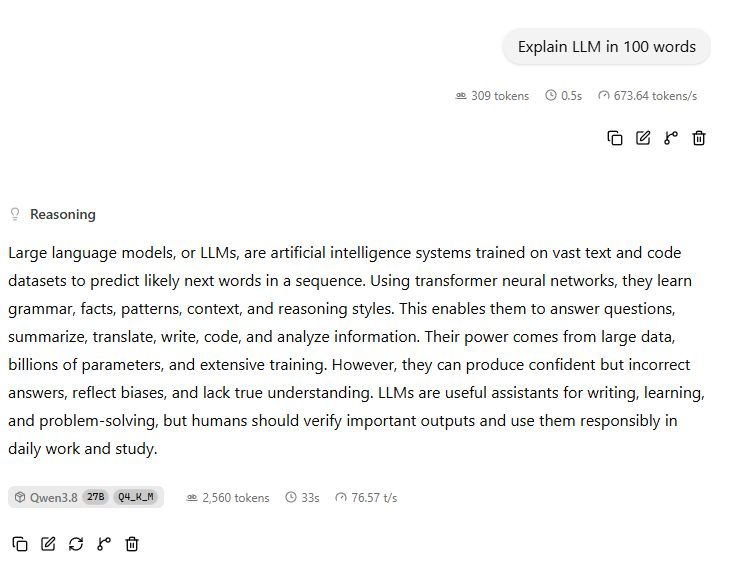
Now we can access the llama.cpp webui on your browser :
https://{YOUR_RUNPOD_ID}-8080.proxy.runpod.net/In my case my runpod ID is psyvpxd4isy2vu and I can access llama.cpp in https://psyvpxd4isy2vu-8080.proxy.runpod.net/
We can see the llama.cpp webui in browser :
After the use we can stop and terminate pod.
Conclusion
Running llama.cpp on RunPod provides a simple and cost-effective way to run large language models on powerful NVIDIA GPUs without requiring local GPU hardware. In this guide, we created a RunPod Pod with an RTX 5090, installed llama.cpp, downloaded a GGUF model, configured GPU offloading, and exposed the llama.cpp web interface through RunPod’s proxy.