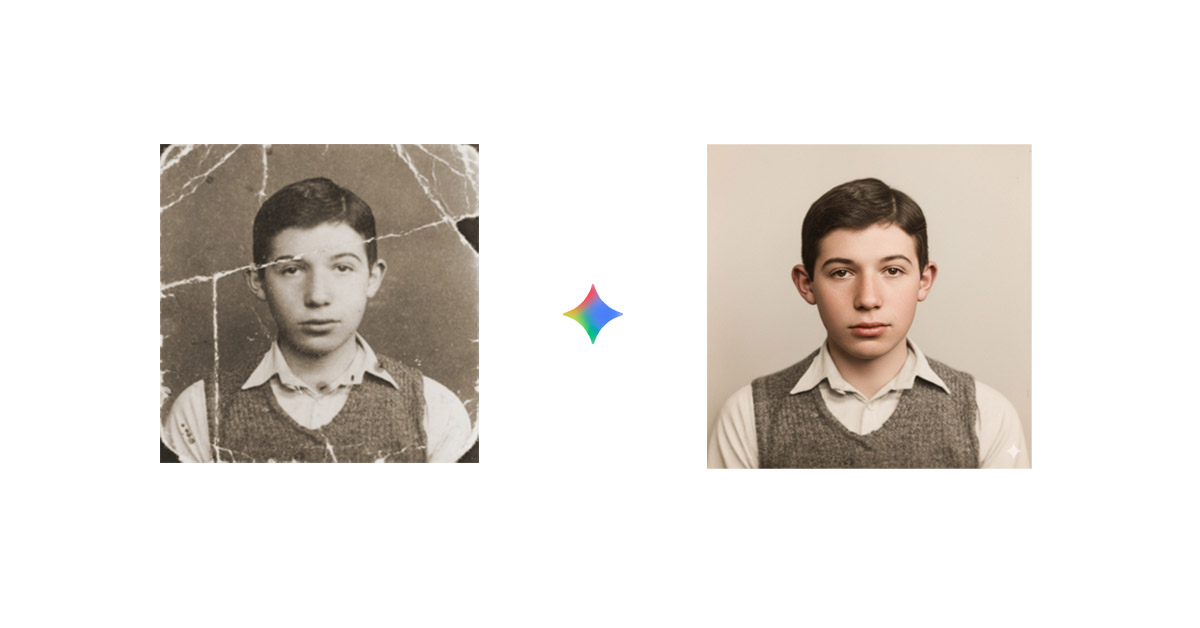
In this guide, you’ll learn how to use Gemini for image restoration using practical, tested prompts. Whether you want to restore old family photographs, fix blurry images, improve low-resolution pictures, or repair damaged areas, this article will walk you through step-by-step prompts that actually work.
Old photos fade. Scanned images lose clarity. Blurry pictures and damaged memories often feel impossible to fix without expensive software or professional help.
But with advancements in AI, restoring images is no longer limited to tools like Photoshop. Today, you can use powerful prompts inside Gemini, the AI model developed by Google, to enhance, repair, and restore images with simple instructions.
Remove scratches and restore old photo
Old photos often carry priceless memories, but over time they can become damaged with scratches, dust spots, tears, and fading. Whether it’s a black-and-white family portrait or a faded childhood picture, modern Gen AI restoration technology helps bring clarity, sharpness, and life back to your treasured moments in just a few simple steps.
Original photo as shown below :
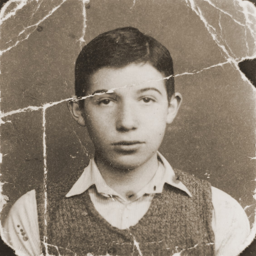
Use the below prompt to remove scracthes and clear photo and colorize it.
Full professional restoration of this vintage photograph. Remove all damage including tears, fading, scratches, and discoloration. Sharpen facial features and enhance contrast. Output high-resolution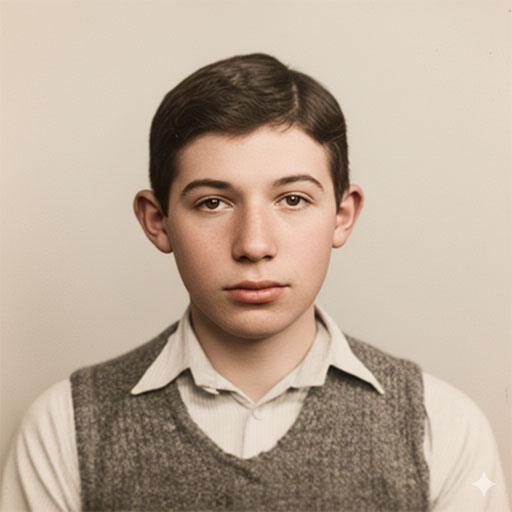
Use the below prompt to remove scratches,tears and fading.
Restore this damaged photograph: Remove all scratches, tears, creases, dust spots, and stains. Repair fading, enhance clarity and sharpness, preserving original mood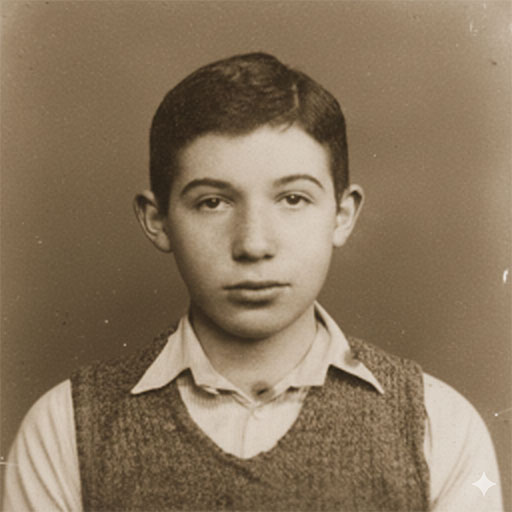
Colorize Old Black & White Photos
Black and white photos capture timeless moments, but adding color can make them feel more real and emotionally powerful. With Gemini, you can automatically transform old monochrome images into vibrant, natural-looking photographs. These tools intelligently detect objects, skin tones, clothing, and backgrounds to apply realistic colors while preserving the original details.
We will use this black and white photo for colorization :
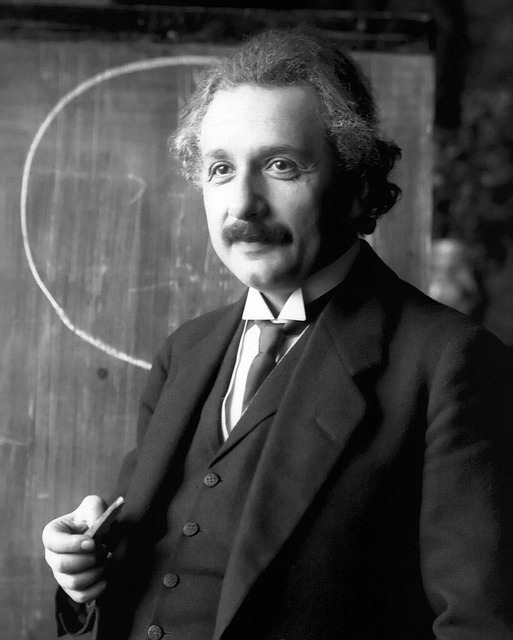
Use the below prompt colorize old photos.
Colorize this black and white image realistically.
Use natural skin tones and historically accurate colors.
Avoid artificial saturation.
Upscale Low Resolution Image
Low-resolution images often appear blurry, pixelated, or lacking in detail—especially when viewed on larger screens. With Gemini nano banana, you can enhance image resolution without losing clarity or sharpness.

Restore and enhance this photograph by improving clarity, sharpness, and image quality while preserving all original details, colors, and composition exactly as they appear - remove noise, blur, and degradation artifacts to create a professionally restored HD version that maintains complete authenticity without any artistic interpretation or alterations.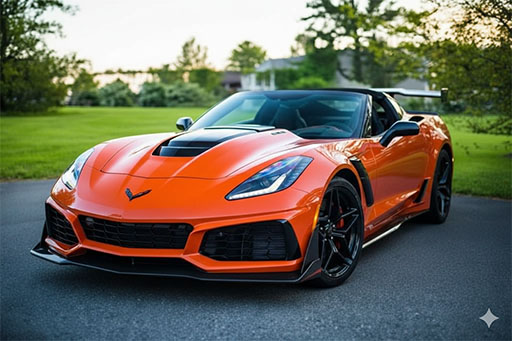
Conclusion
It is easier to restore old photos and colorize them using Gemini AI, thanks to advancements in latest AI technologies.