
In this step by step guide we will discuss how to install and run SearXNG as private search API, which can be used by apps.
What is SearXNG?
SearXNG is a free, open-source, self-hosted metasearch engine that aggregates results from multiple search engines without tracking users. It solves the problems of privacy invasion, vendor lock-in, API costs, and search bias by giving developers full control over search data, sources, and usage.
Here are the key benefits of SearXNG:
- Privacy-first: No user tracking, logging, or profiling.
- Self-hosted control: You own the data, configuration, and infrastructure.
- Multiple search engines: Aggregates results from many sources(Google,Bing,DuckDuckGo etc) in one query.
- Free & open source: No API costs, no vendor lock-in.
- API-friendly: JSON output works well for apps and LLM pipelines.
- Customizable: Enable/disable engines, formats, languages, and filters.
- Lightweight & fast: Runs efficiently with minimal resources.
- LLM-ready: Ideal for RAG, research agents, and private AI workflows.
Step 1: Install Docker and Docker Compose
First we need to install SerXNG, we will use docker based installation and use.
- For Windows users, Download docker desktop from docker’s official site
- Linux users should install docker and docker compose by following the guide
Step 2: Install SearXNG
Make a directory named “searxng”, and create file named docker-compose.yml inside this newly directory. Copy paste the below code.
version: "3.7"

services:
  searxng:
    image: searxng/searxng:latest
    container_name: searxng
    ports:
      - "8080:8080"
    volumes:
      - ./searxng:/etc/searxng
    environment:
      - SEARXNG_BASE_URL=http://localhost:8080/
    restart: unless-stopped
Next run the below command :
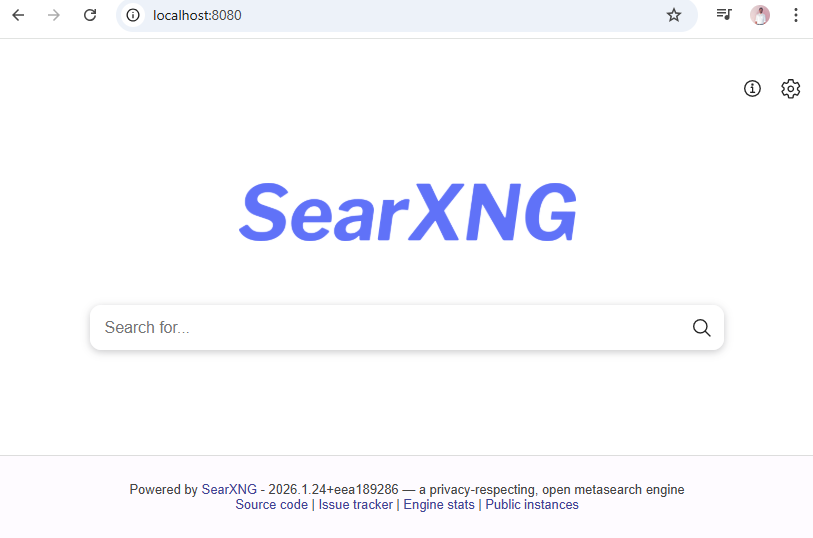
docker-compose upWait for the installation to finish, and check the browser by operning the URL http://localhost:8080/.
Step 3: Enable API in SearXNG
To enable and use the API, first install and configure SearXNG, then add JSON support in settings. We need edit the searxng\searxng\settings.yaml file add the json format in the formats settings as shown below :
search:
  formats:
    - html
    - json  # Add this for API
server:
  secret_key: "your-random-secret-key"
Save the settings file and restart the SearXNG container.
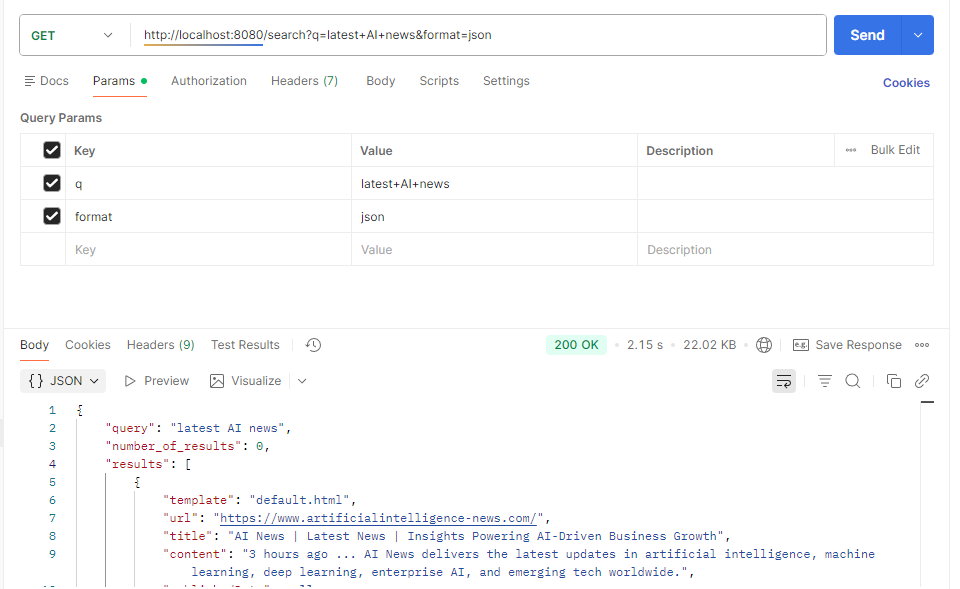
docker-compose restartNow we can make API requests to SearXNG enpoints, for more details about API please refer here .
Conclusion
It is easier to setup SearXNGand expose its API endpoints, thanks to docker. Run Large Language Models Locally with Simple APIs